
Video to motion to anything
Turn Real Movement
into Endless Possibilities.
AI-powered motion capture from any video. Create, edit and export high-quality 3D motion for animation, games, film, virtual humans, robotics and AI video.
- ANY VIDEO
- Single or multi-person
- 64 JOINTS
- Body, fingers & head
- MULTIPLE EXPORTS
- Games, film, AI & robotics
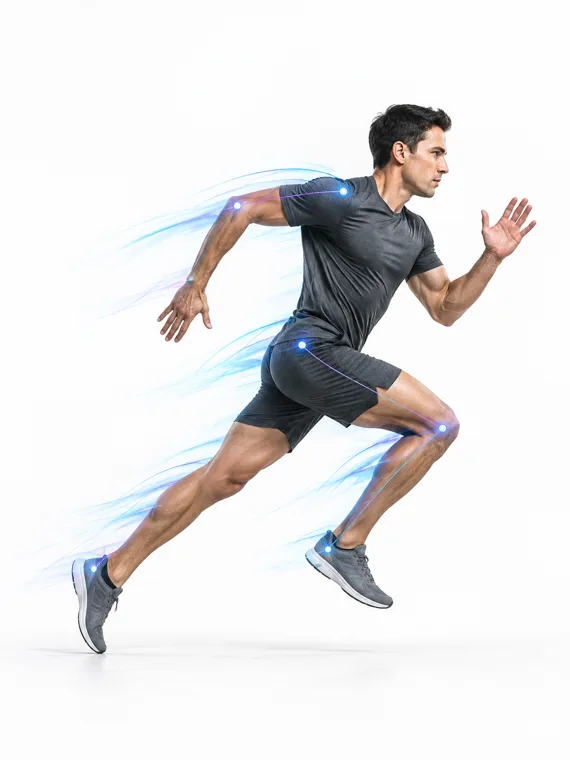
Perform
Any video
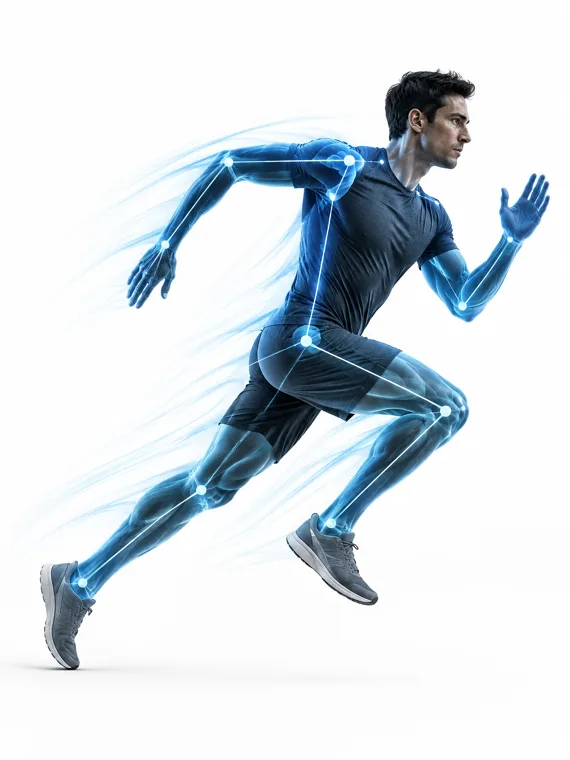
Capture
From any video
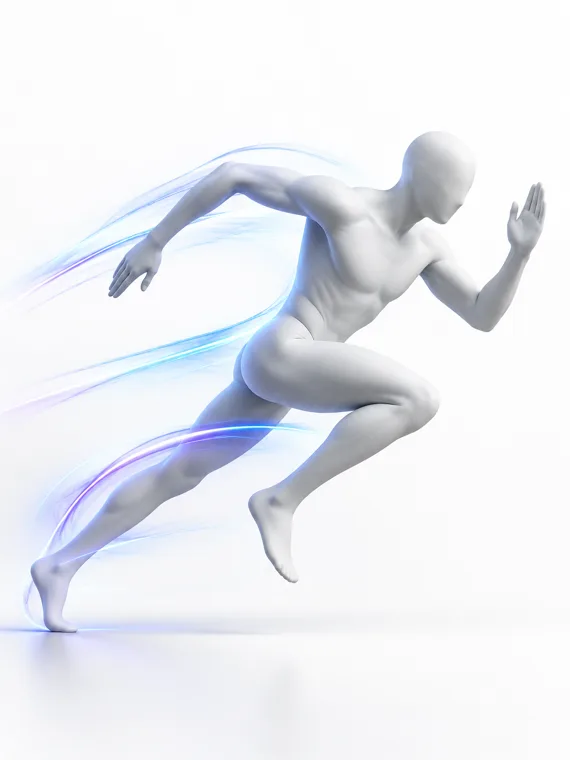
Edit
Refine & perfect
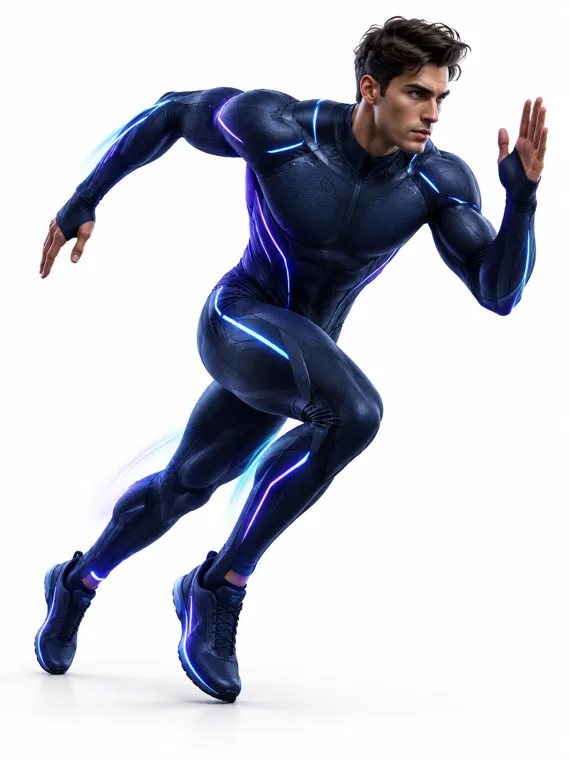
Create
Use anywhere
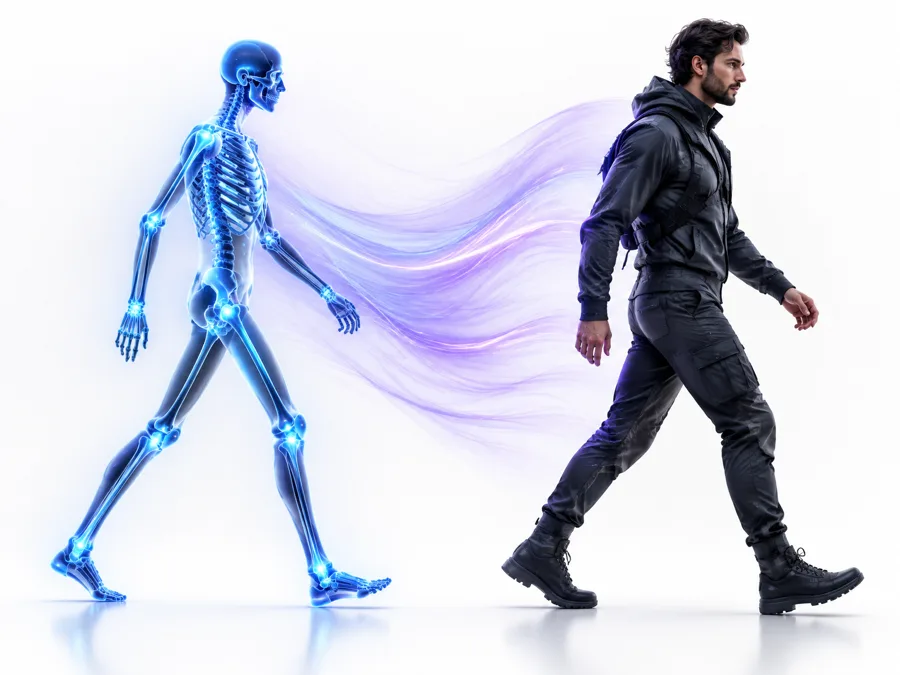
Real performance → motion → editable motion → character
Video to 3D Motion
From any camera
Hand & Finger Capture
Detailed motion
Facial Capture
52 blendshapes
Powerful Editor
Clean. Refine. Perfect.
Multiple Exports
FBX, BVH, GLB and more
Game & Film Ready
Unreal, Unity, MetaHuman
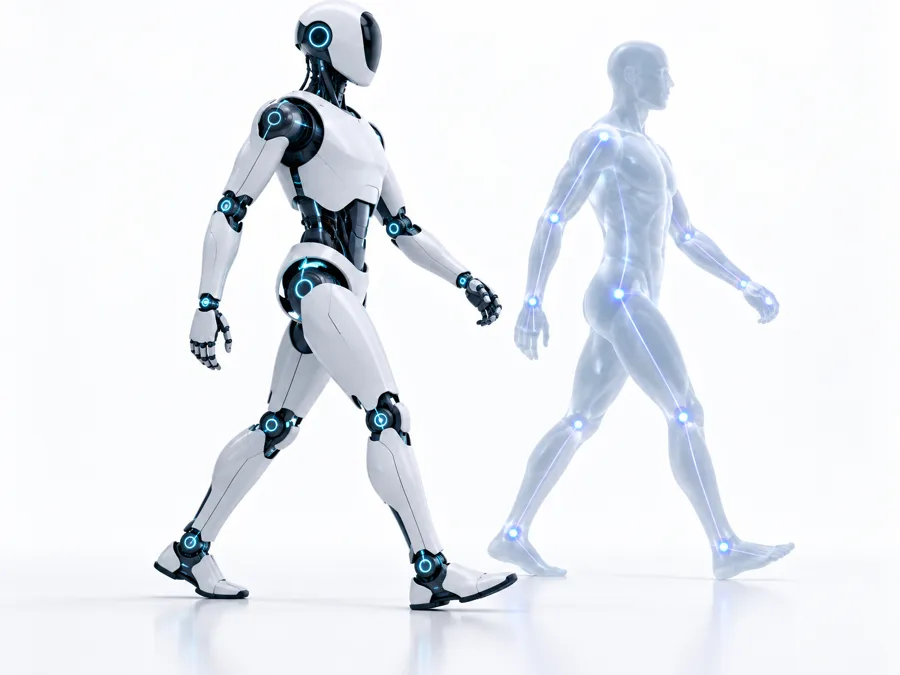
Robotics Support
Humanoid workflows
Text to Motion
Create from ideas
Built for creators. Powering industries.
One Motion.
Infinite Applications.
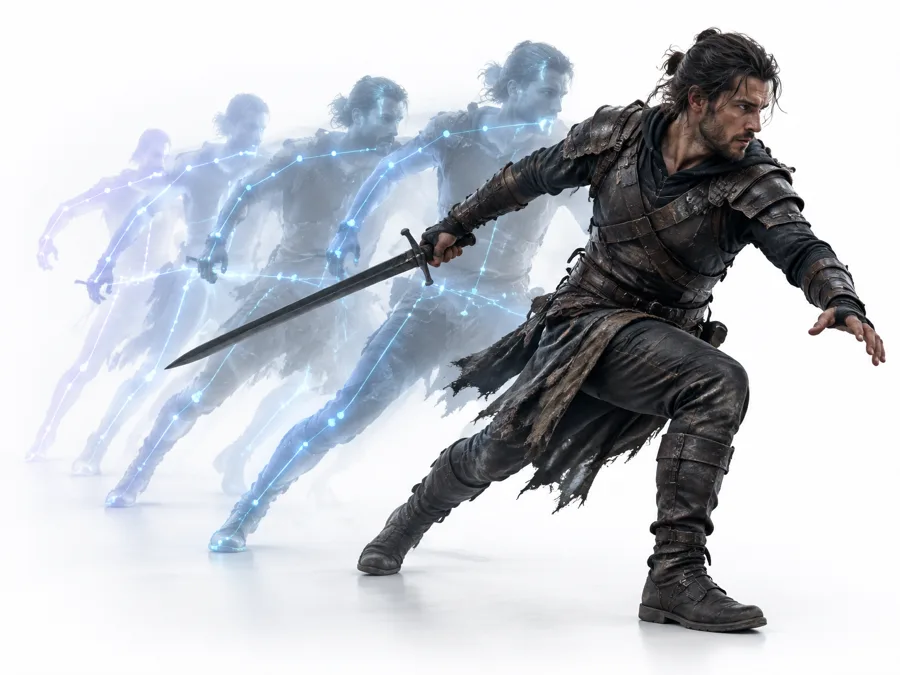
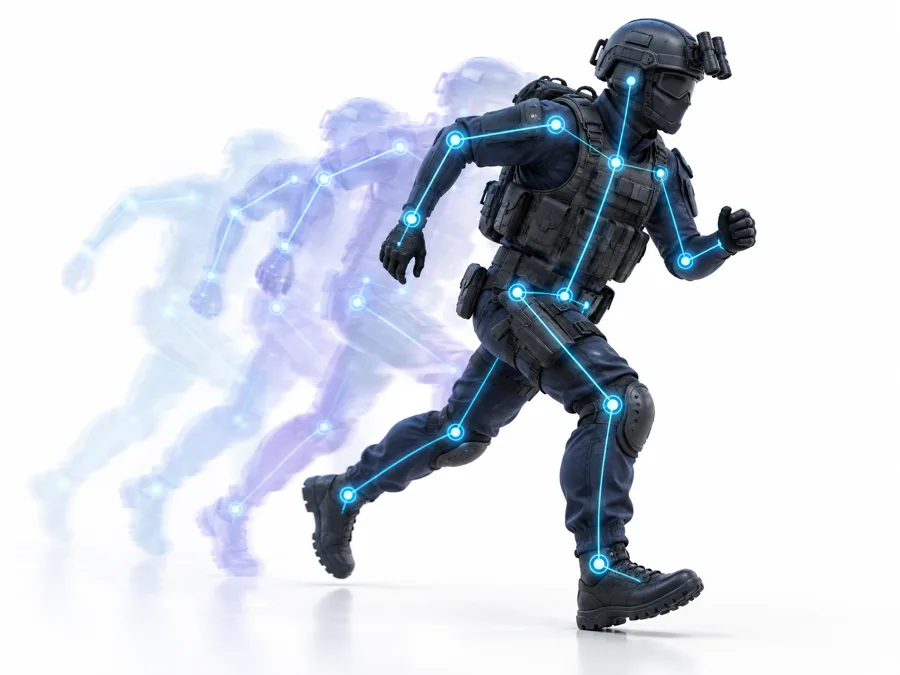
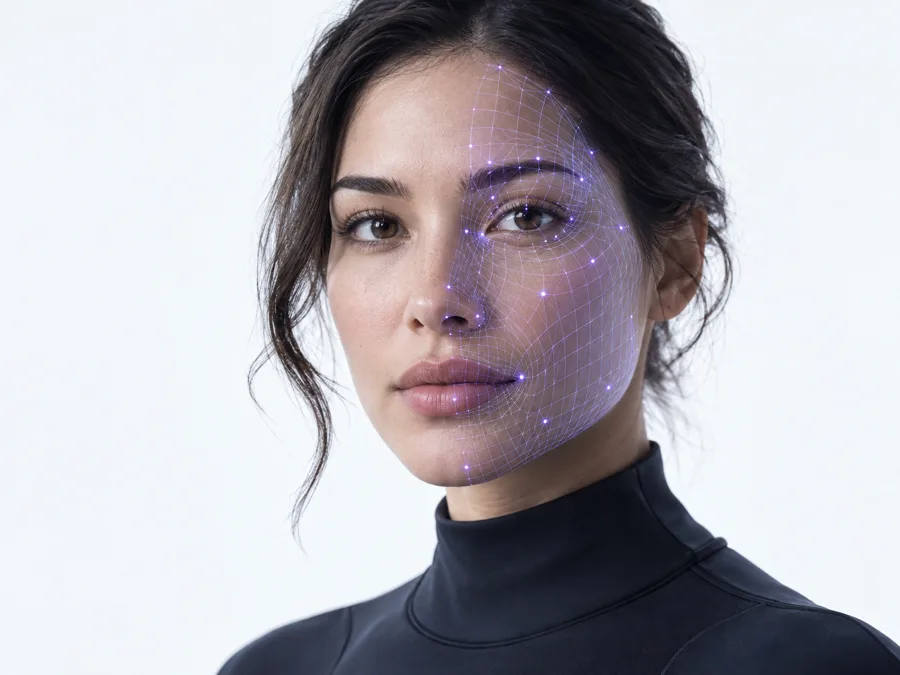
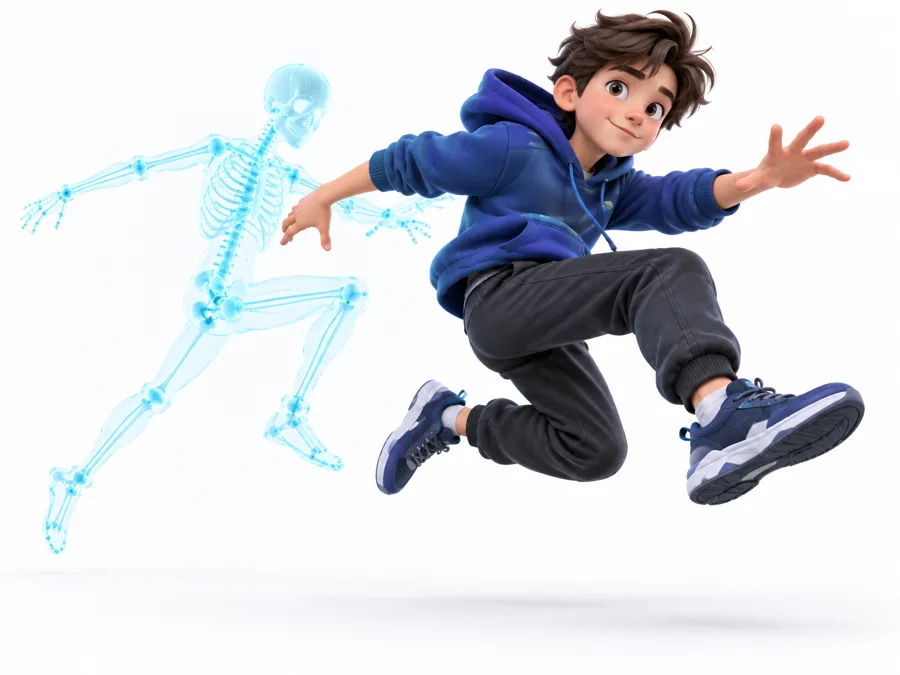
From blockbuster films to next-generation games, virtual humans, robotics and generative video — Mocap+ turns human performance into reusable motion.
Simple workflow
Video to Production-Ready Motion
Capture, clean, edit and export in four simple steps.
01
Upload
Upload any existing video or record a performance.
02
Process
Mocap+ detects and reconstructs body movement in 3D.
03
Edit
Fix tracking, clean motion, adjust timing and refine contacts.
04
Export
Export animation or create a motion reference for AI video.
Motion Studio
Your Motion. Fully Editable.
Inspect, refine and modify captured performance directly in your browser.
Motion Studio — sprint_take_04.mp4
Motion Cleanup
Remove jitter and unstable motion.
Foot Lock
Reduce foot sliding during contact.
Ground Alignment
Automatically align motion to the floor.
Root Motion
Preserve or remove world-space translation.
Mirror
Flip left/right movement.
Speed
Change performance timing.
Trim
Select only the frames you need.
Pose Correction
Fix incorrect poses.
Contact Editing
Control foot and hand contact periods.
Frame Reduction
Reduce unnecessary animation keys.
Physics cleanup
Capture the Performance.
Clean the Noise.
Mocap+ analyzes movement after reconstruction and applies configurable physical and temporal constraints to produce more stable animation.
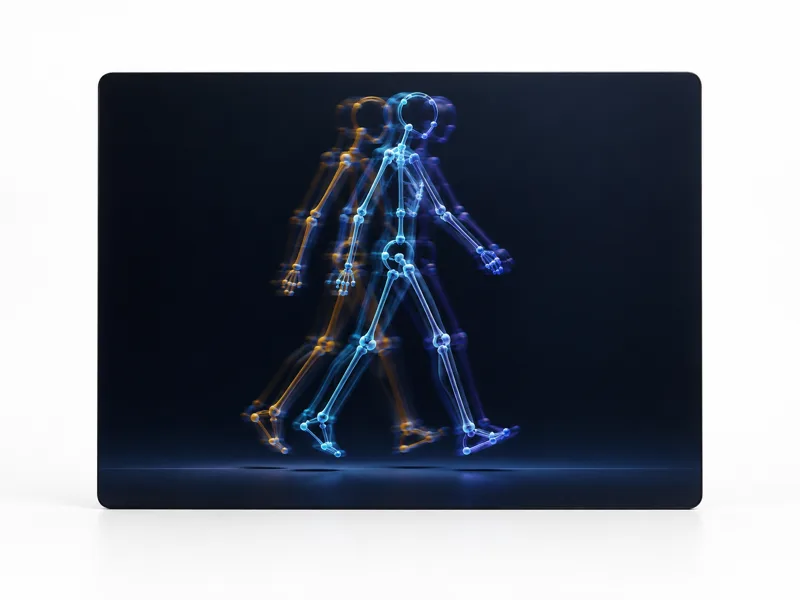
- Jitter across the stride
- Feet floating off the floor
- Unstable hips
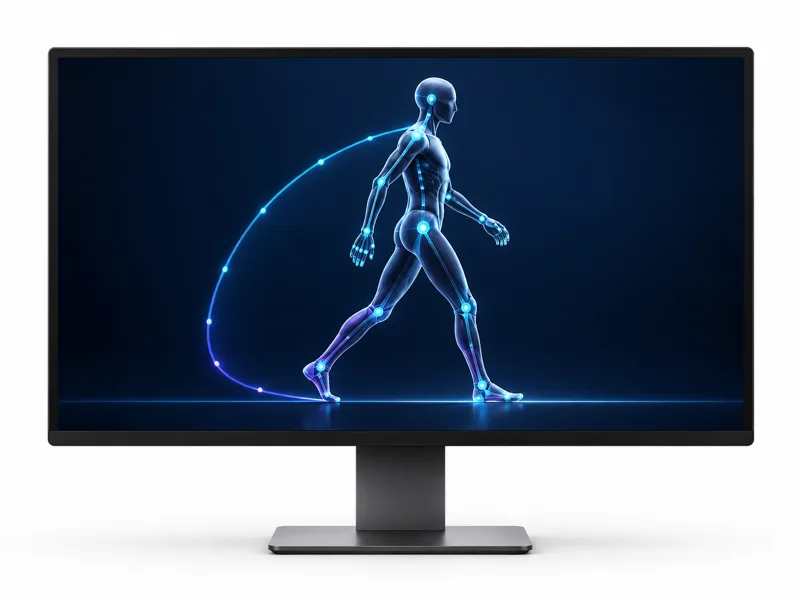
- Stable foot contact
- Clean trajectory
- Smoother character
Body + hands
Full Performance Capture
Body and finger movement are synchronized into one motion performance.
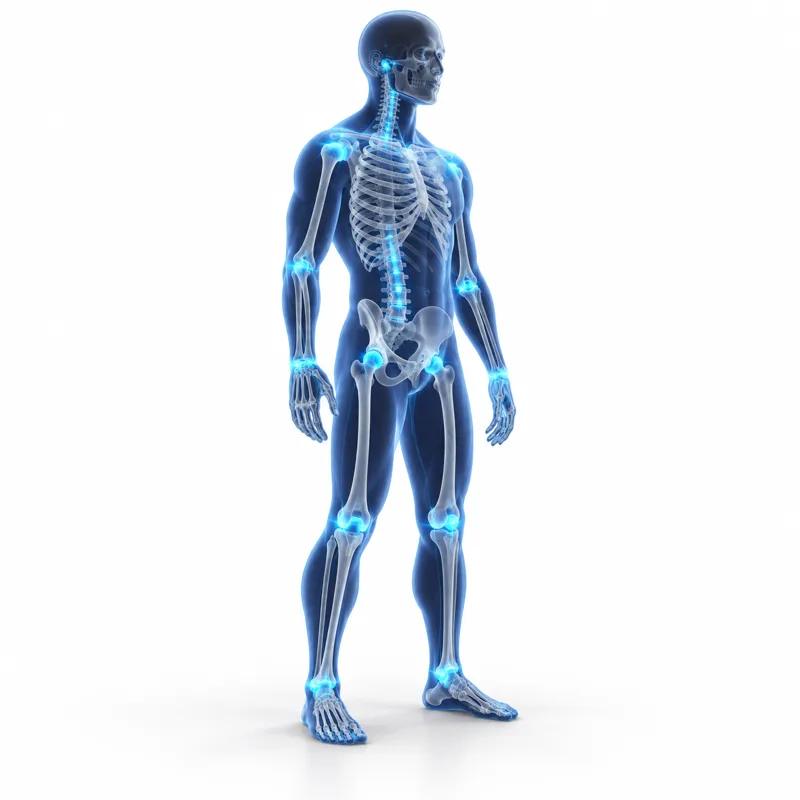
Body
- Root
- Pelvis
- Spine
- Head
- Shoulders
- Arms
- Hands
- Legs
- Feet
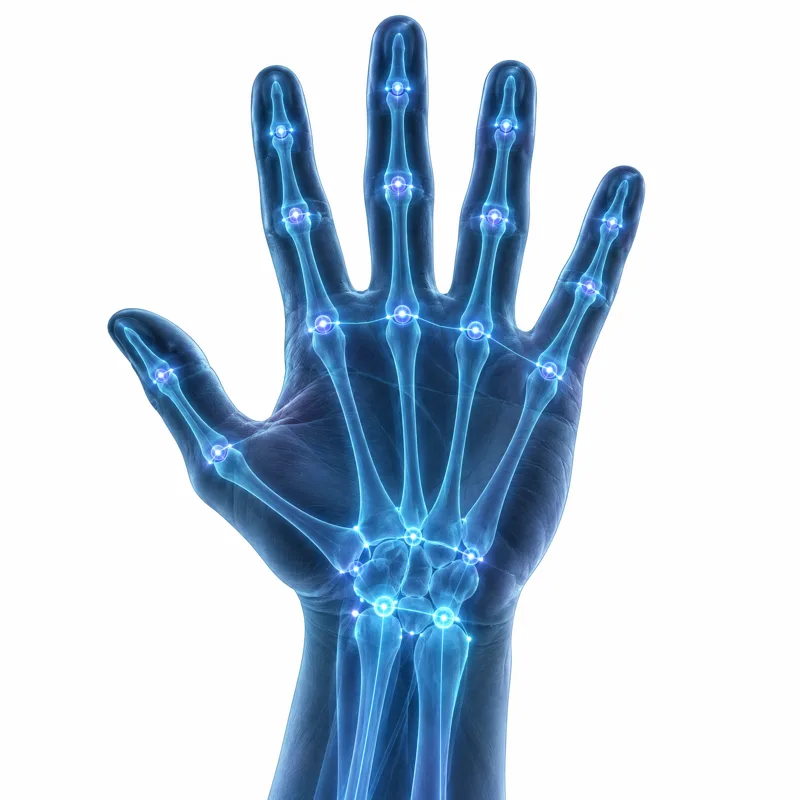
Hands
- Wrist
- Thumb
- Index
- Middle
- Ring
- Pinky
Face capture
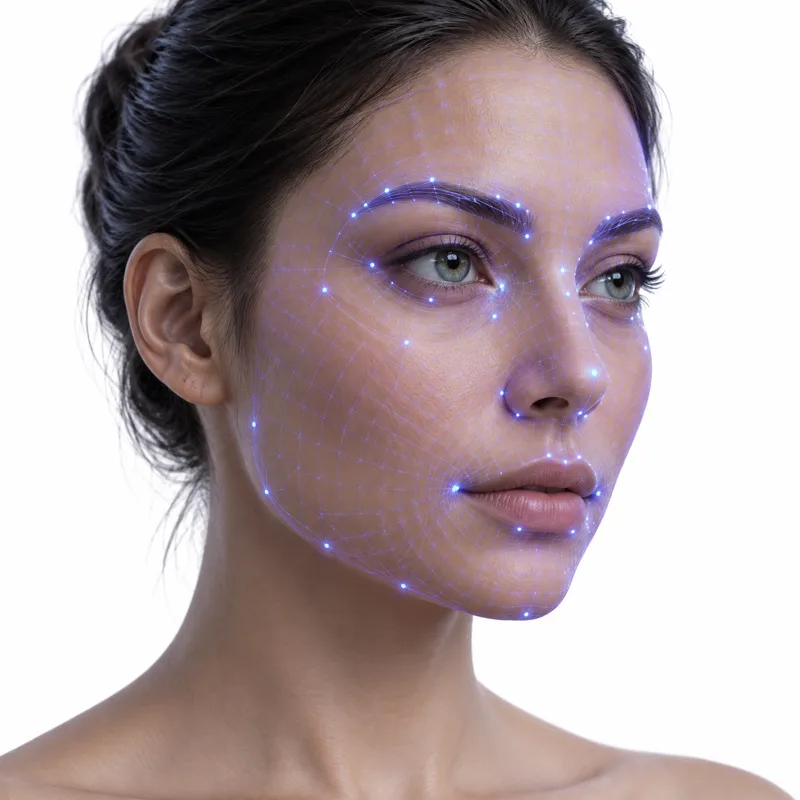
Add Expression to Motion
Extract facial performance alongside body movement and convert it into animation-ready facial data.
- head orientation
- eye blink
- jaw
- lips
- brows
- cheeks
- smile
- mouth shapes
- expression coefficients
Built for 52 blendshape workflows.
Multi-person capture
Capture the Whole Performance
Everyone in the frame is detected and reconstructed separately, so a scene stays a scene rather than three separate takes.
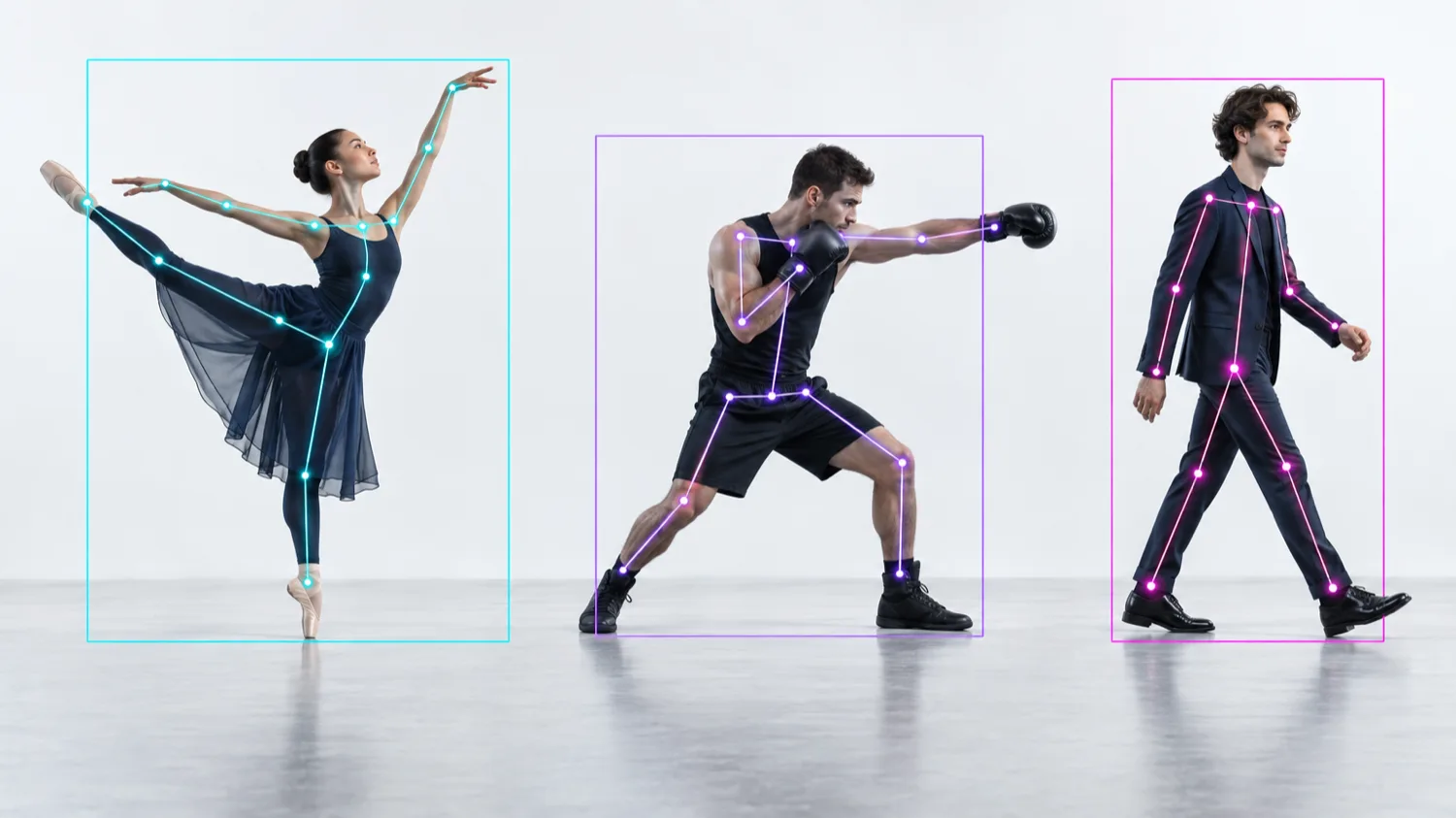
- Person 01
- Person 02
- Person 03
Each performer is tracked with an independent outline, then reconstructed as its own 3D skeleton in the same scene.
Built for
- Choreography
- Fights
- Dance
- Sports
- Dialogue scenes
- Blocking
- Group performance
Motion for generative video
Give AI Video Models
the Motion You Actually Want.
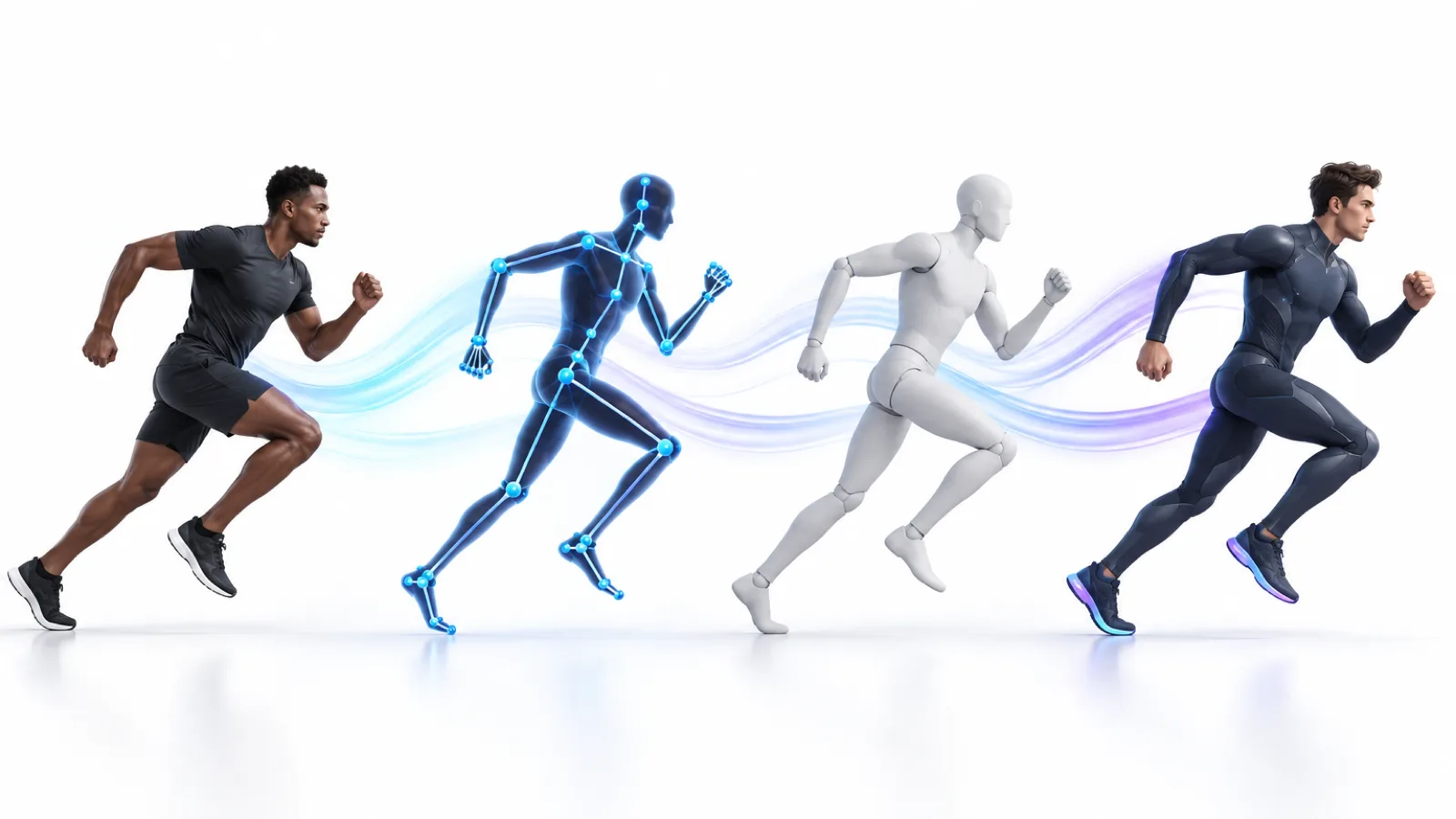
Extract movement from a real performance, modify it in Motion Studio, and generate a clean motion-reference video for compatible generative video workflows.
- Actor video
- Motion extraction
- Motion editing
- Reference render
- AI video
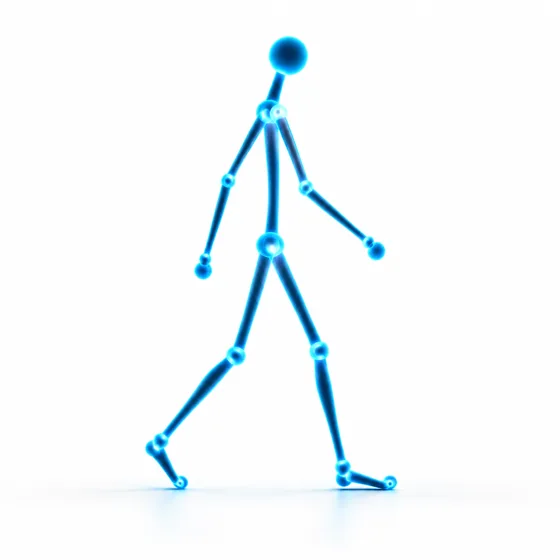 Skeleton Reference
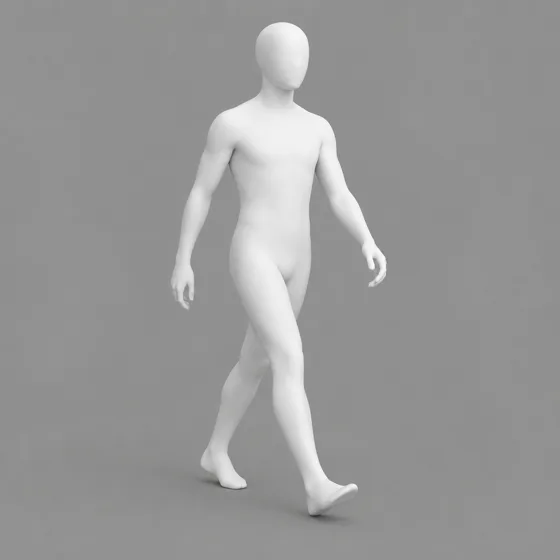 White Model
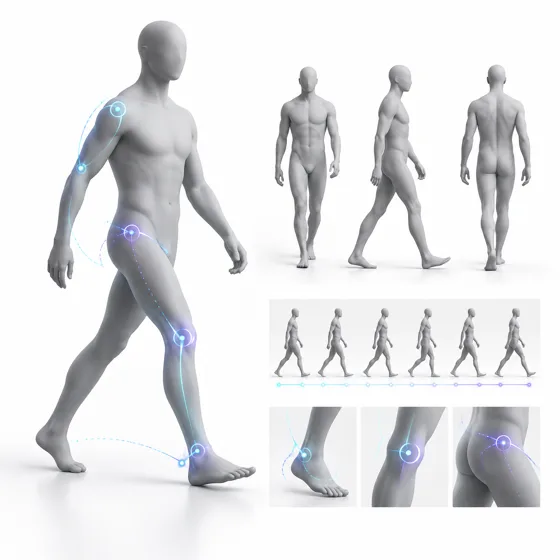 Clay Model
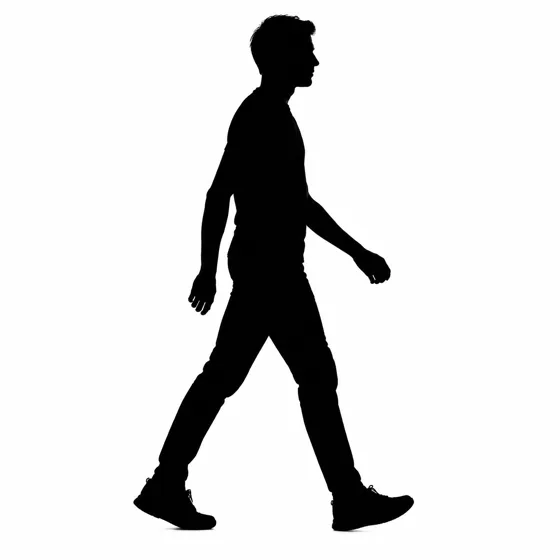 Silhouette
- Custom Character
- Pose Overlay
Text to motion
Describe It. Move It.
Write the movement you need and open the result directly in Motion Studio, where it edits like any captured take.
“Take three steps forward, turn left, raise the right hand and step backward.”
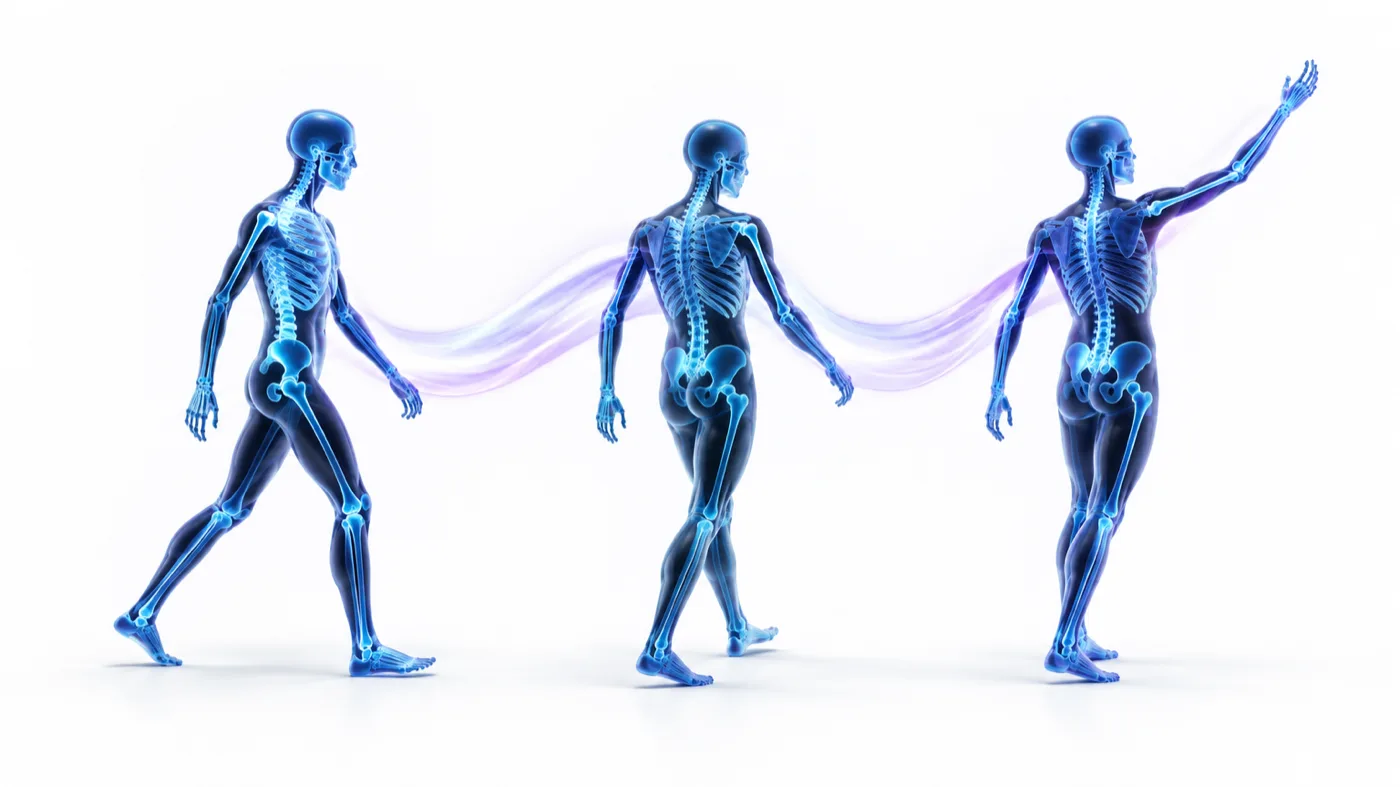
Retargeting
One Motion. Any Character.
Mocap+ converts captured motion into a canonical motion representation before mapping it to compatible character skeletons.
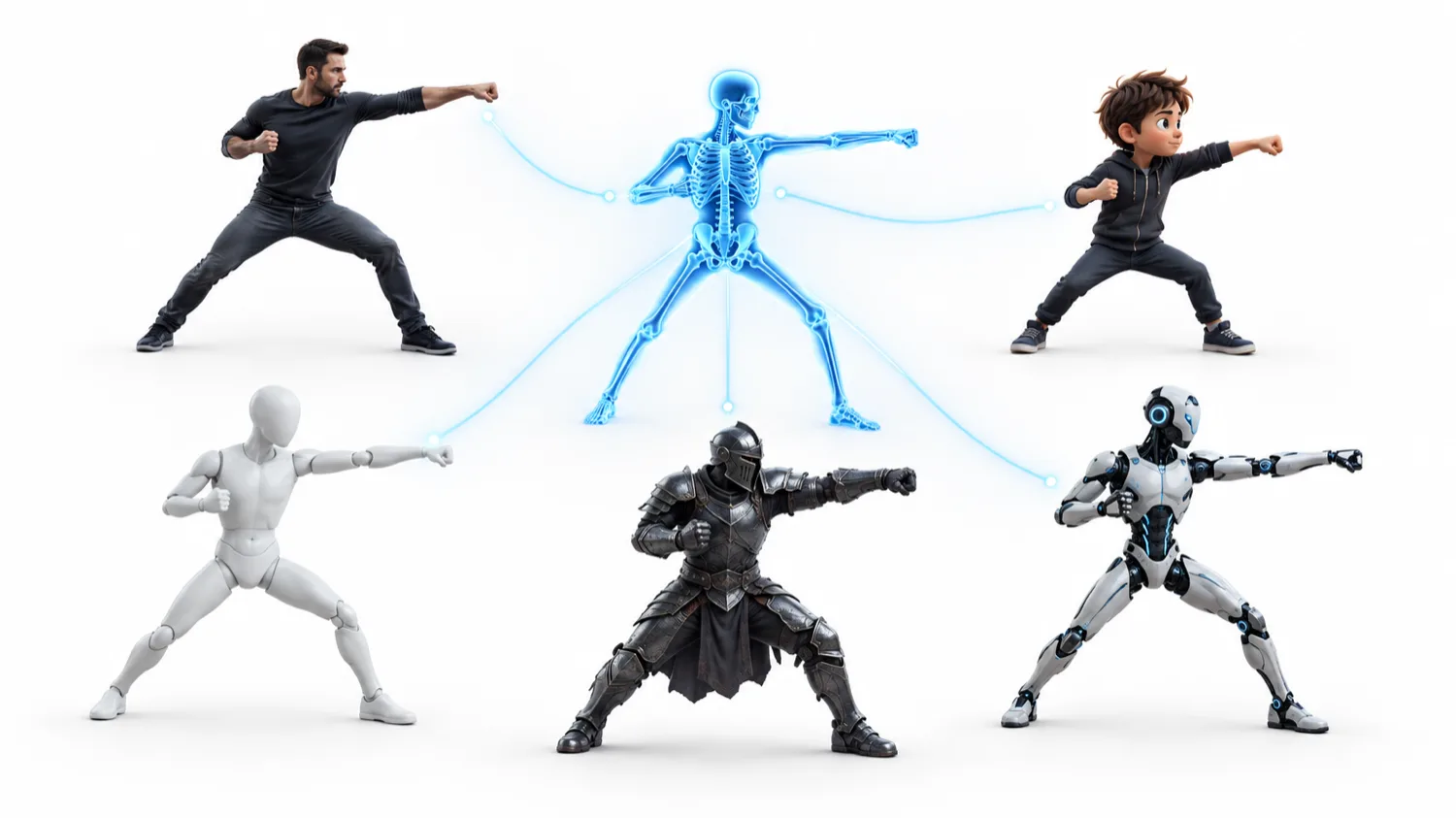
One captured performance, mapped outward
Maps to
- Mixamo
- Unreal
- MetaHuman
- Unity
- Blender
- iClone
- Custom Rig
Under the hood
- bone mapping
- reference poses
- scale conversion
- root orientation
- coordinate conversion
- joint constraints
Export
Take Motion Anywhere.
Standard formats out, with presets that match how each tool expects to receive animation.
Formats
- FBX
- BVH
- GLB / glTF
- Motion Data
- SMPL-compatible
- VMD
- JSON / Binary API
Export presets
- Blender
- Unreal Engine
- Unity
- MetaHuman
- Mixamo
- Maya
- Cinema 4D
- Character Creator
- iClone
- Roblox
Presets describe the export Mocap+ writes for each tool. They are not partnerships or official integrations.
Work with your favorite tools
- Blender
- Unreal Engine
- Unity
- MetaHuman
- Mixamo
- Maya
- Cinema 4D
- iClone
- Roblox
- and more…
Comparison
Motion Capture Without the Traditional Setup
Traditional mocap
- Suits
- Markers
- Calibration
- Dedicated cameras
- Studio environment
- On-site performer
Mocap+
- Ordinary video
- Existing footage
- Remote performers
- Browser review
- AI-assisted cleanup
- Motion reuse
Mocap+ is built for video-based capture. It does not claim to replace every high-end optical mocap use case.
Built for modern motion workflows
What Mocap+ Actually Captures
Product specifications, not adoption statistics — the numbers that decide whether Mocap+ fits your pipeline.
- Tracked motion joints
- 64Tracked motion joints
- Facial blendshape channels
- 52Facial blendshape channels
- World-space motion
- 3DWorld-space motion
- Format export
- MultiFormat export
Security
Your Footage. Your Motion.
Encrypted transfer
Footage and motion move over encrypted connections.
Private projects
Your projects are visible to your account and the people you invite.
Asset deletion
Delete source footage and generated motion when you no longer need them.
Configurable retention
Decide how long processed assets are kept.
Team permissions
Control who in a workspace can view, edit and export.
API key controls
Issue, scope and revoke keys for programmatic access.
FAQ
Markerless motion capture, explained
- What is markerless motion capture?
- Markerless motion capture reconstructs a performer's skeleton from ordinary video instead of from tracking markers on a suit. Mocap+ detects the person in each frame, estimates their pose in three dimensions and outputs a joint hierarchy you can edit and export — no suit, no volume, no calibration.
- What footage works best with Mocap+?
- A clear, evenly lit view of the whole body at 24 fps or faster gives the most stable capture. Keep the performer inside the frame, avoid heavy motion blur, and film from a position where limbs are not hidden behind the body or props for long stretches.
- Which formats can I export to?
- FBX, BVH, glTF/GLB, USD, Alembic and raw JSON. Motion is stored internally as a joint hierarchy with rotations and a root trajectory, so the same take can be exported again for a different engine without reprocessing.
- Can Mocap+ track more than one person in a shot?
- Yes. Every performer detected in the frame is tracked as their own subject with its own confidence, contact periods and in-frame span, and identity is carried across frames so two performers crossing do not swap tracks silently.
- Do I need a GPU or any special hardware?
- No. Processing runs on our servers and the interface is a browser page; a laptop and an internet connection are enough. Exports download straight to your machine.
- How is Mocap+ different from a suit-based system?
- A suit gives sub-millimetre accuracy in a prepared volume; Mocap+ gives usable 3D motion from footage that already exists, including archive and phone video, in minutes and without a stage. Most teams use it for previs, reference, crowd work and any shot where hiring a volume is out of proportion to the need.
Pricing
Start Free. Scale When You Need To.
Four plans, from a first test to production volume through the API.
Free
For testing Mocap+.
- Short video processing
- Basic motion preview
- Limited exports
- Limited storage
Creator
For animators and creators.
- Longer captures
- Motion cleanup
- Body + hands
- More exports
- Motion library
Studio
For production teams.
- Multi-person
- Face capture
- Advanced cleanup
- Team workspace
- Higher processing limits
- Priority queue
Plan limits and prices are confirmed at sign-up.
Capture Movement.
Use It Anywhere.
Turn real performance into editable motion for animation, AI video, games, virtual production, robotics and more.
No suit. No markers. Just motion.