
Motion Studio
The Editor for Captured Performance.
Inspect, refine and modify motion in the browser: source video beside the reconstruction, tracks underneath, the selected bone and its confidence on the right.
- IN BROWSER
- Nothing to install
- PER-BONE
- Transform and confidence
- NON-DESTRUCTIVE
- The capture is never overwritten
What it does
Split viewer
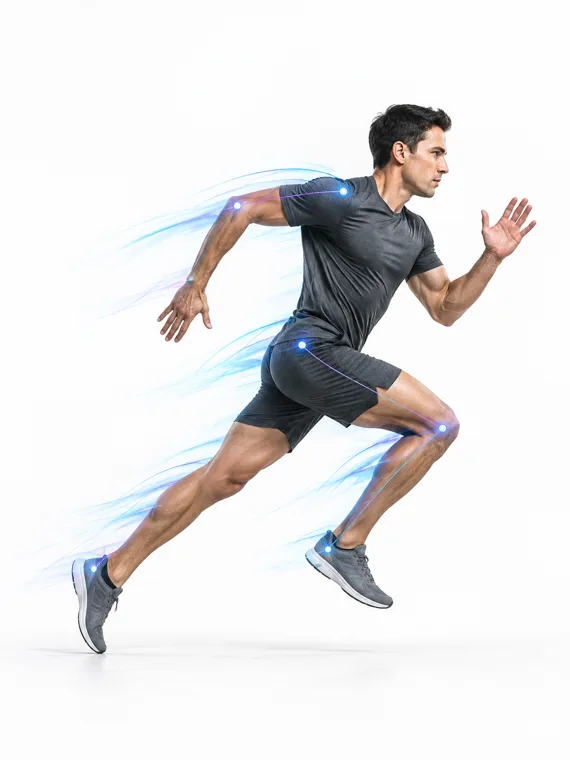
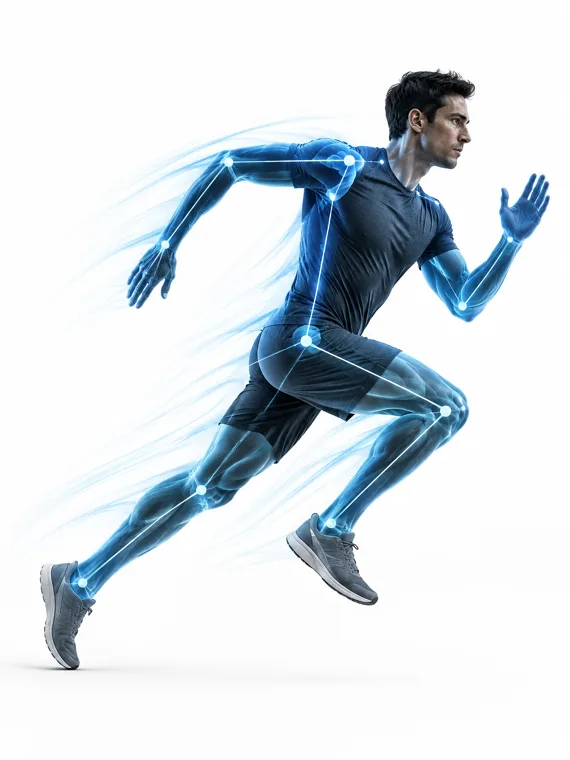
Source footage and 3D reconstruction side by side, on the same frame.
Track timeline
Body, hands, face, root and contacts as separate tracks you can scrub and trim.
Bone inspector
Select a bone to see its position, rotation, confidence and contact state.
Cleanup controls
Jitter, foot lock and ground alignment with a strength you choose.
Compare
Hold the original against the edited take to see exactly what changed.
Export from the editor
Send the current state to any supported format without leaving the page.
Edited in the browser
Motion Studio — sprint_take_04.mp4
Capture Movement.
Use It Anywhere.
Turn real performance into editable motion for animation, AI video, games, virtual production, robotics and more.
No suit. No markers. Just motion.
FAQ
The Editor for Captured Performance — questions
- Can I edit the captured motion?
- Yes. Motion Studio trims, mirrors, retimes, locks feet, aligns the ground, smooths and reduces keys, and every edit is filed as a new take so the original capture is never overwritten.
- Can I see what the tracker actually saw?
- Yes. The source video plays beside the 3D take with the detected pose drawn over it, and the timeline carries the confidence curve, the contact periods and every event the solver flagged.