
Video to motion
Any Video Becomes 3D Motion.
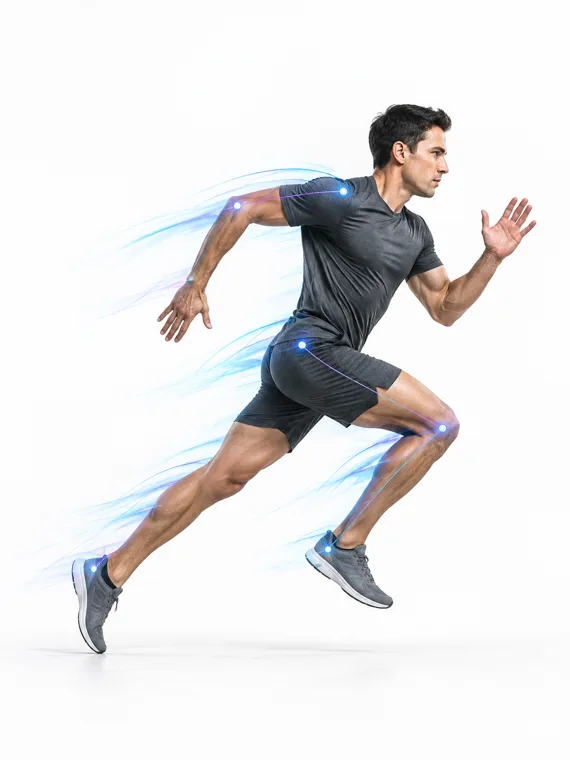
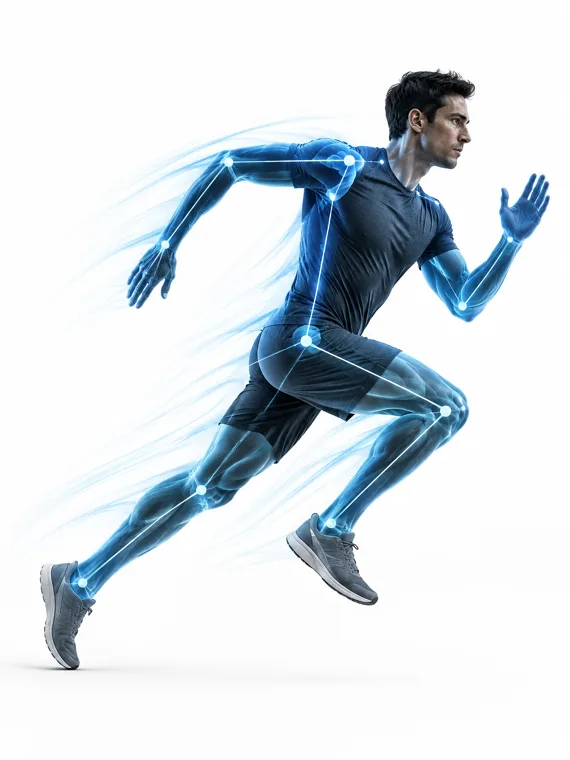
Upload footage shot on a phone, a cinema camera or an archive tape. Mocap+ detects the performer, reconstructs the body in three dimensions and hands you an editable take.
- ANY CAMERA
- Phone, DSLR, cinema, archive
- 64 JOINTS
- Body, 40 finger joints, head
- WORLD SPACE
- Root motion preserved
What it does
Performer detection
Finds the person in frame and follows them through occlusion and reframing.
3D reconstruction
Turns 2D footage into world-space joint positions and rotations, not a flat pose overlay.
Root motion
Keeps where the performer travelled, so a walk covers ground instead of marching on the spot.
Frame rate handling
Reads the source rate and resamples the take to the rate your pipeline expects.
Confidence per joint
Every joint carries a confidence value you can see in Motion Studio before you trust it.
Straight into editing
The result opens in Motion Studio as a take you can clean, trim and retarget.
The flow
- Upload
- Detect
- Reconstruct
- Review
- Export
Capture quality follows the footage: a clear, well-lit view of the whole body gives the most stable reconstruction.

Capture Movement.
Use It Anywhere.
Turn real performance into editable motion for animation, AI video, games, virtual production, robotics and more.
No suit. No markers. Just motion.
FAQ
Any Video Becomes 3D Motion — questions
- Can I use video shot on a phone?
- Yes. Phone footage is the most common input. What matters is that the whole body is visible and the light is even — not the camera's price.
- Does the capture keep where the performer walked?
- Yes. Root travel is solved from the planted foot, so a walk covers ground in the exported take instead of marching on the spot. It can also be dropped in one click when you want the performance in place.